
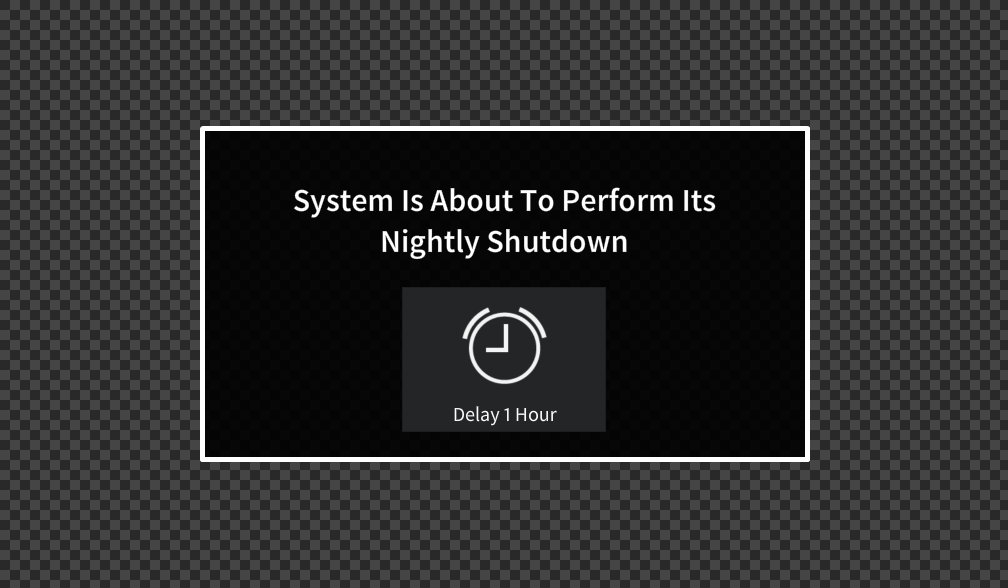


When the system is off, the touch panel will be on its default screen (the Start Page).
Tap the screen to begin. You’ll be taken to the Main Page.
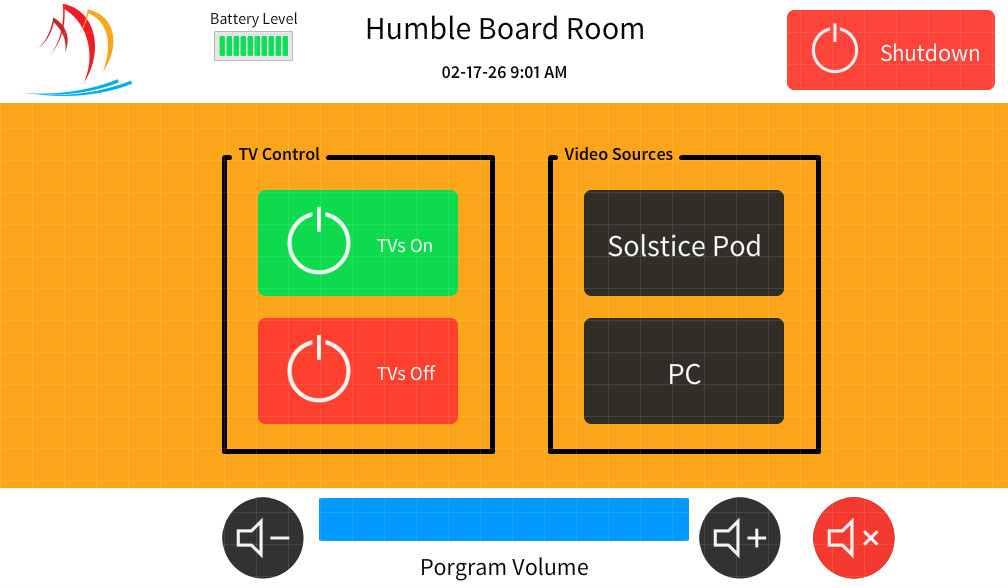
This room has multiple video sources available:
Solstice Pod (Wireless Presentation)
PC (Located in the equipment rack)
Select the source you want to use. Whatever source you select will appear on both displays, and its audio will play through the room speakers.
Any selected source can be used for conferencing (Teams, Zoom, etc.).
The Volume and Mic controls along the bottom of the main page control all audio for the space.
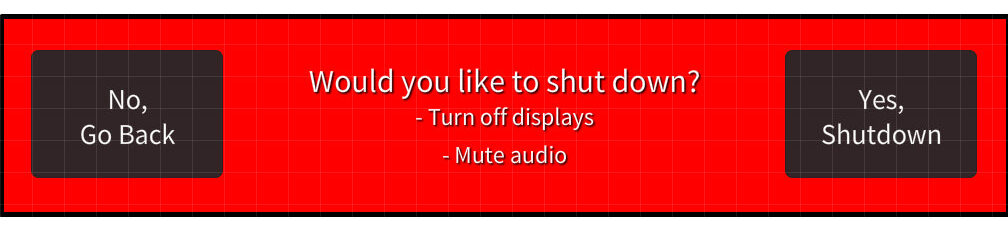
Tap Shutdown in the top-right corner to bring up the option to shut down the space.
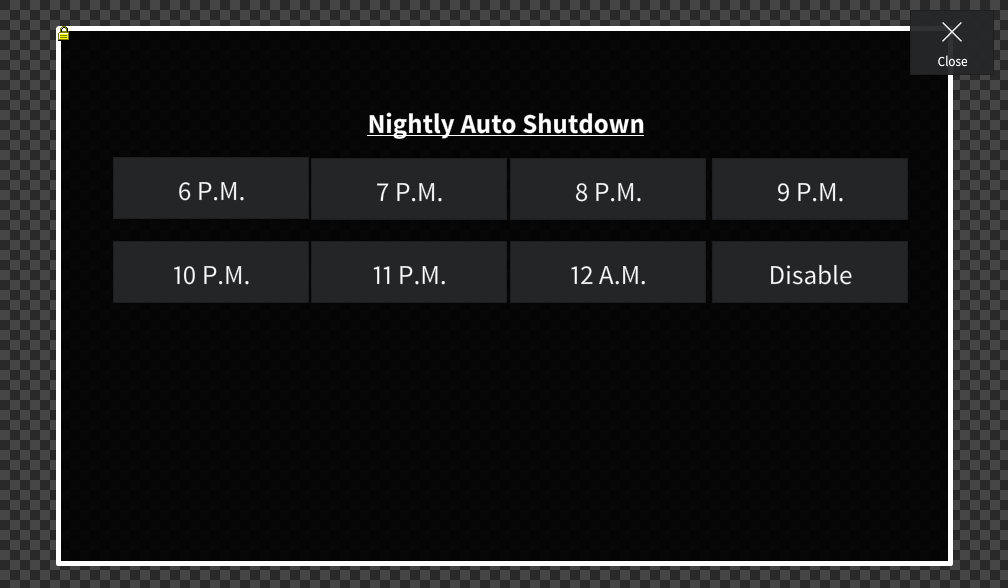
Press and hold the Third Coast Bank logo at the top of the main page to access the Admin Settings page.
From there, you can set the nightly auto shut down timer.