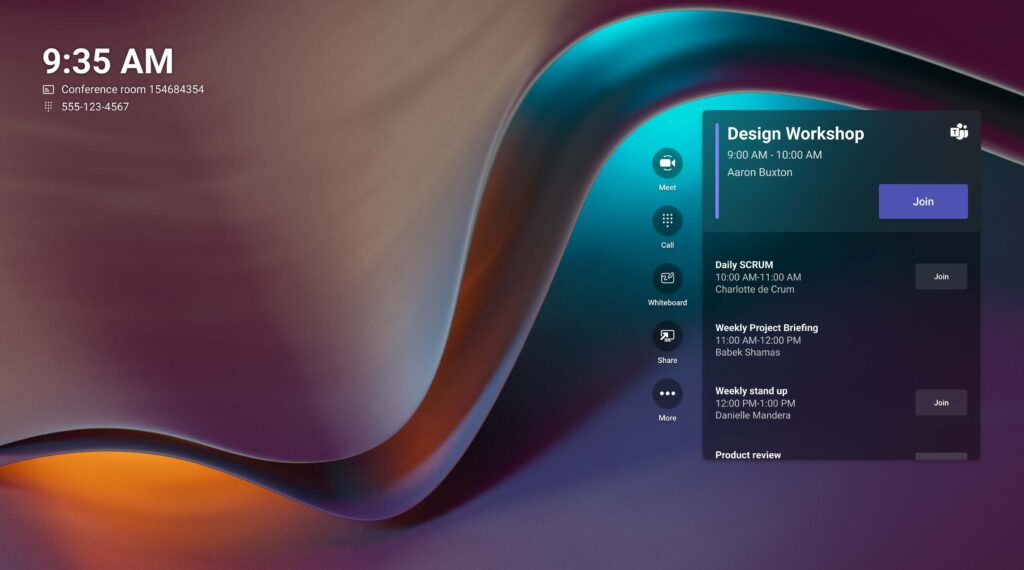
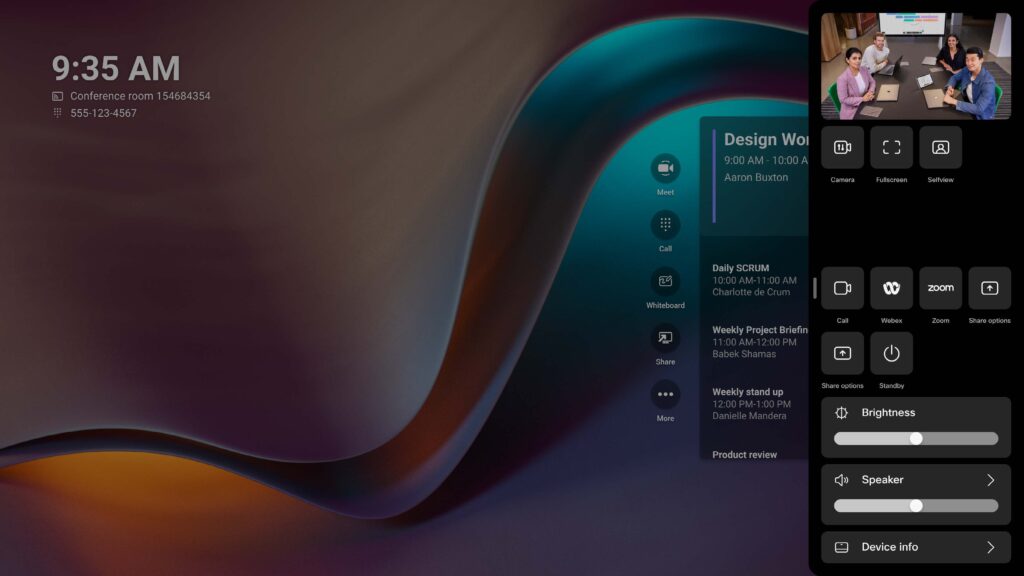
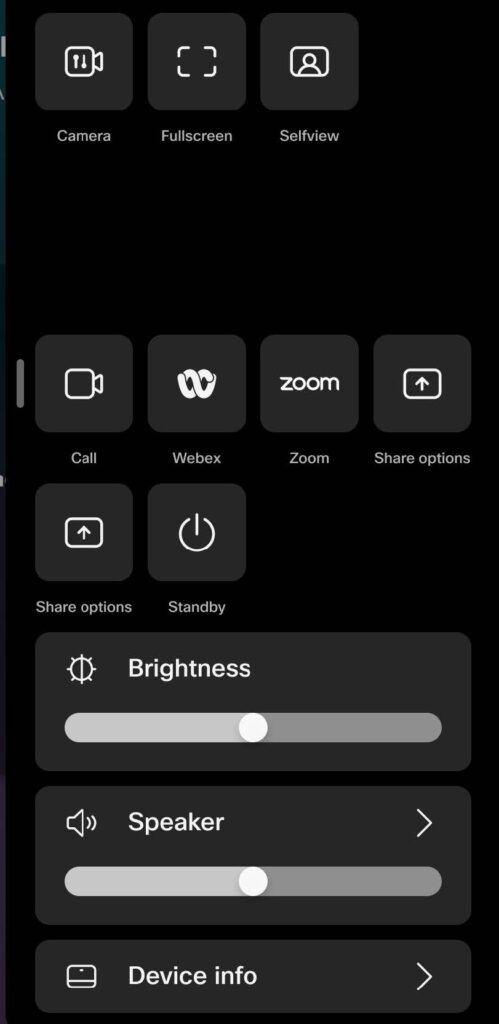
You can share content to the room displays at any time – whether you’re in a meeting or not.
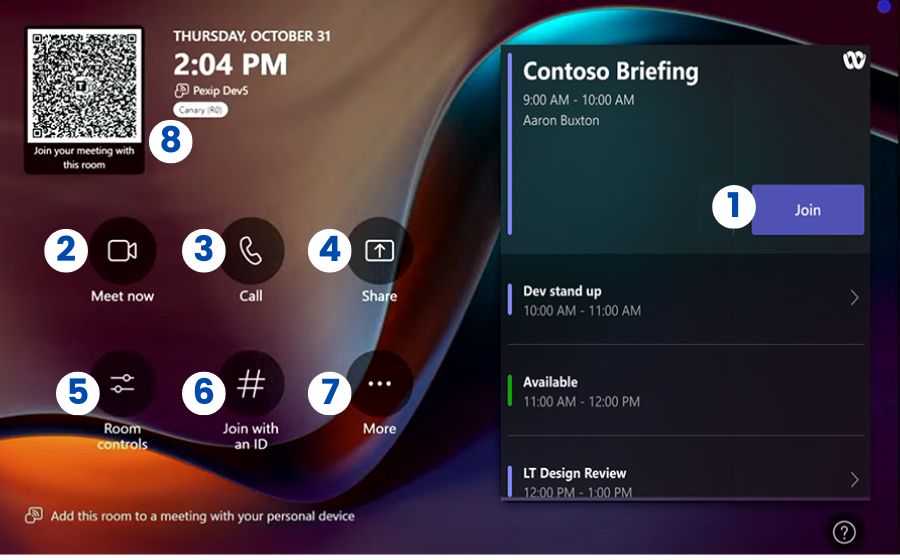
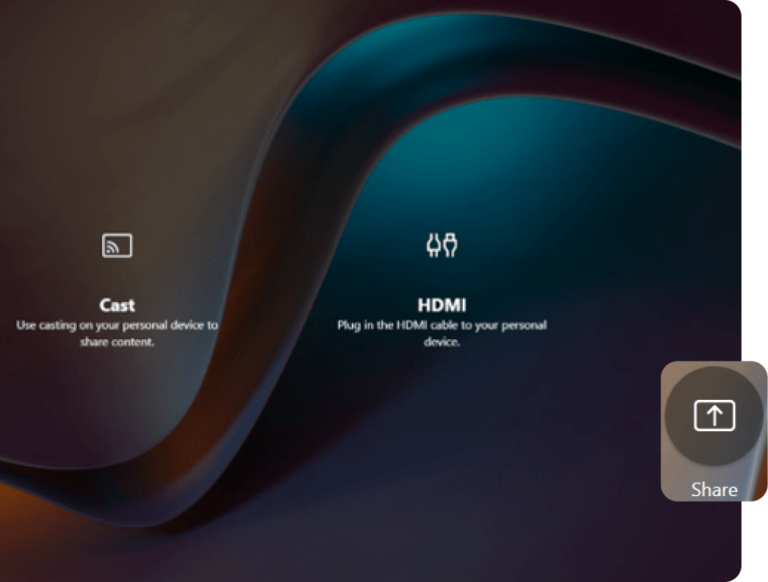
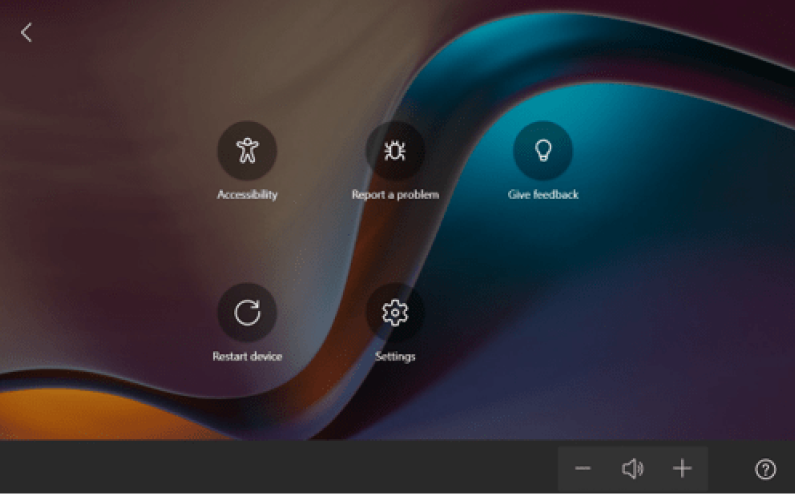
Tap the “Share” button on the Crestron touch panel.
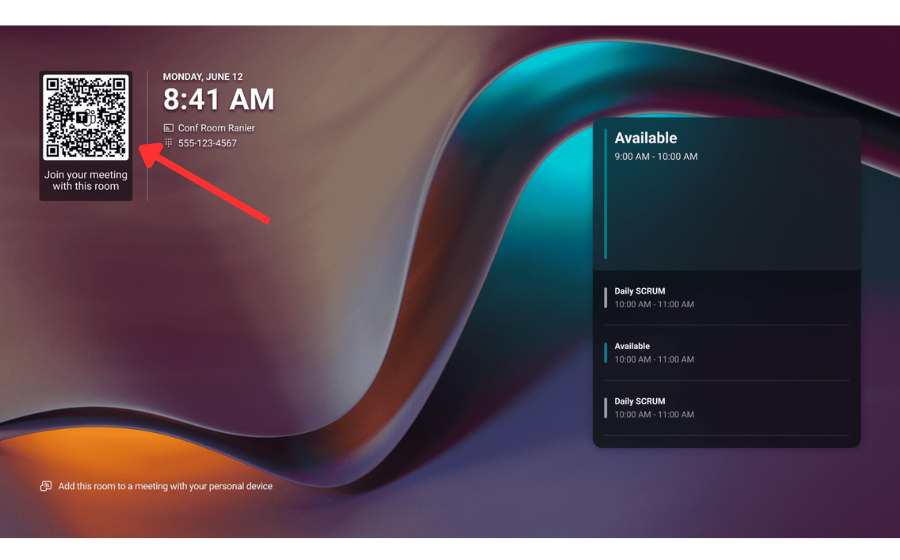
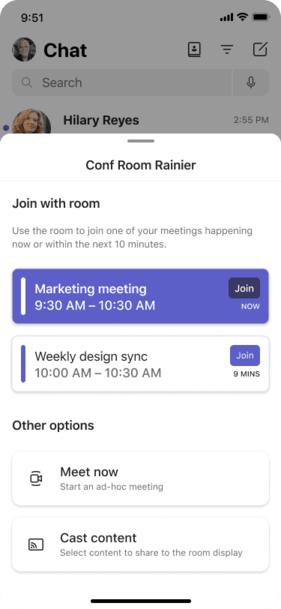
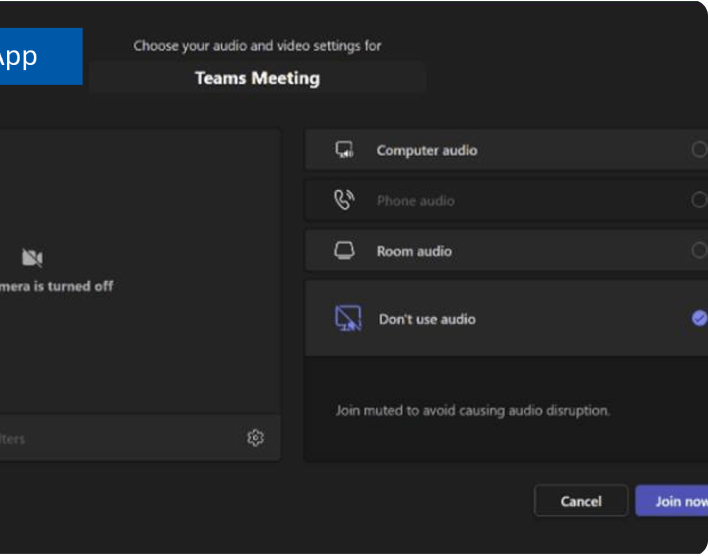
You’ll be prompted to choose how to share your content. All content is shared wirelessly from your laptop or personal device using the Microsoft Teams desktop application or by scanning the QR code shown on the touch panel and flat panel screens.
After selecting your sharing method, choose the table location you’re seated at (e.g., “Front” or “Rear”).
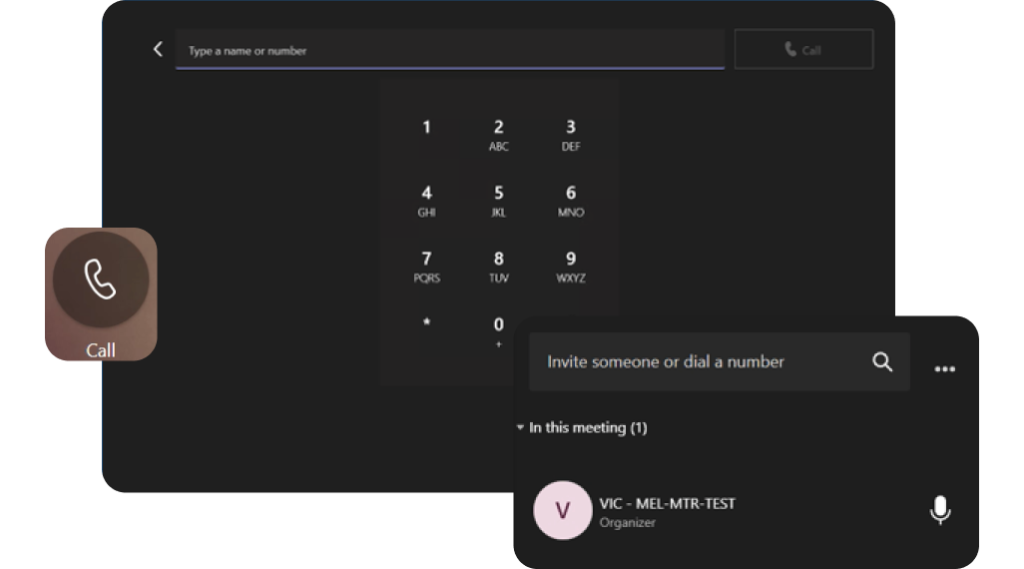
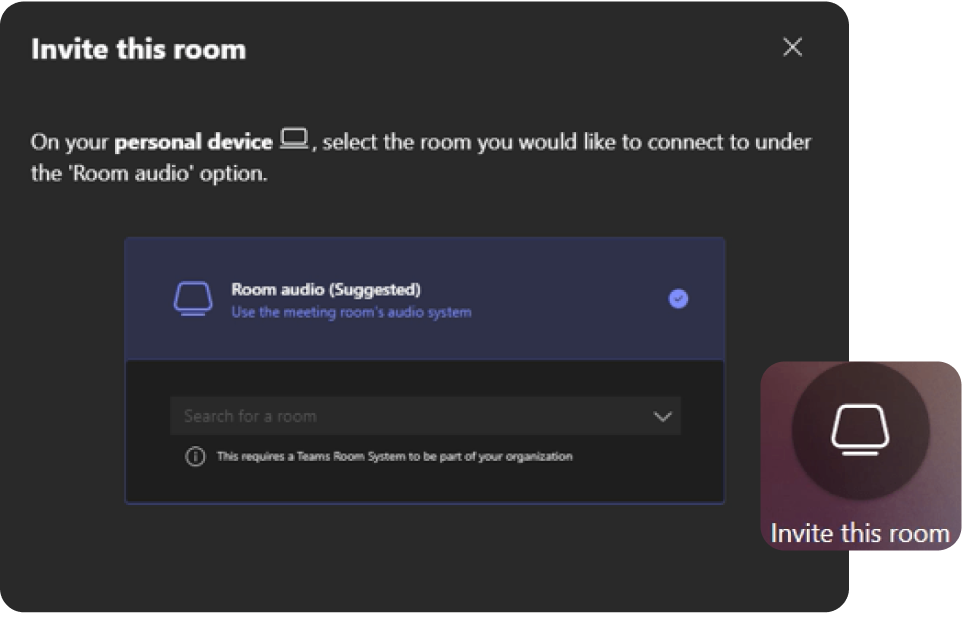
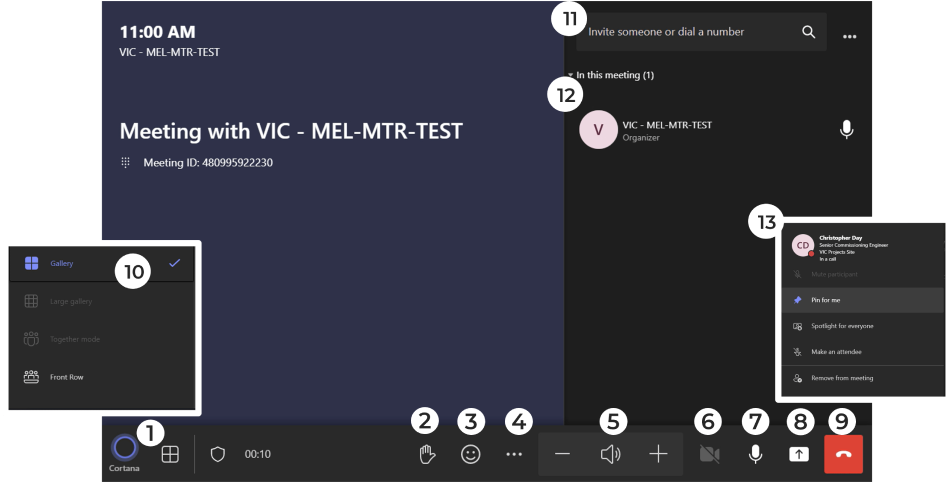
If you’re already in a meeting, you can also dial in additional participants using the touch panel.
Note: If a colored frame appears around your content, it means your screen is currently being shared with remote participants.